Introduction: Why On-Page SEO Still Rules the Game
If you want your website to get noticed, On-Page SEO is where everything begins.
No matter how great your design, branding, or digital marketing strategy is, if your pages aren’t optimized, Google won’t understand them.
Think of On-Page SEO like tidying up your room before guests arrive.
You make sure everything is clear, easy to find, and looks good so both Google and your readers can understand your page easily.
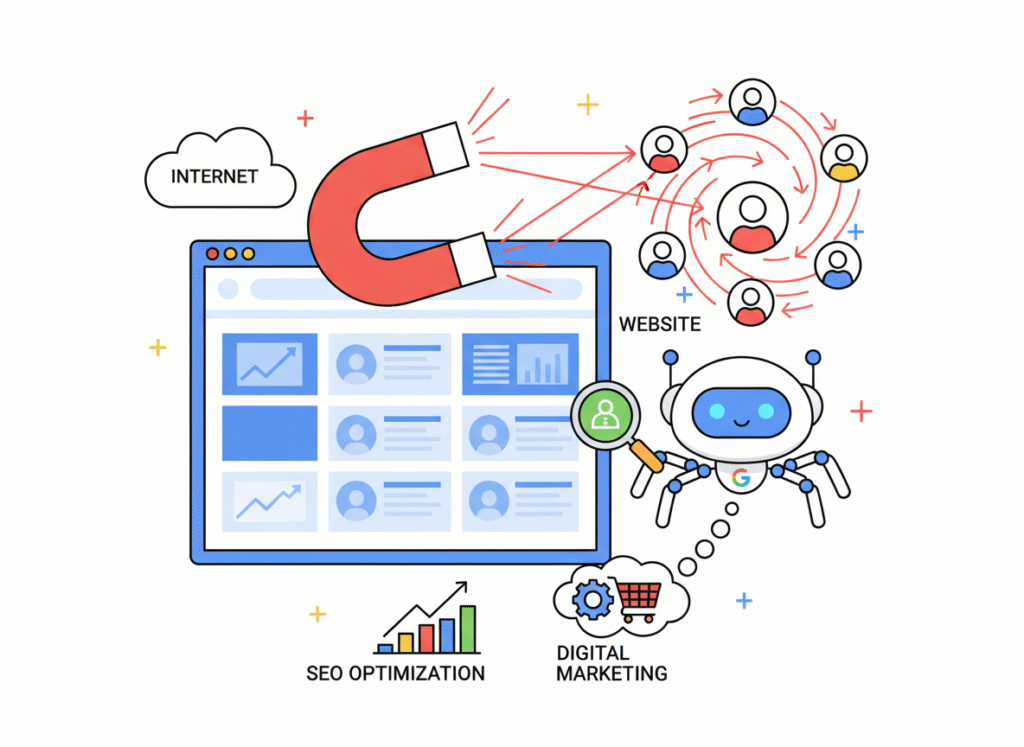
When done right, it’s like turning your website into a magnet, effortlessly pulling the right audience toward your content while competitors fade into the background.
What Is On-Page SEO?
On-Page SEO includes all the steps you take on your website, blog, landing page, or digital marketing funnel to make it more visible and rank higher.
It’s different from Off-Page SEO, which focuses on external factors like backlinks, social signals, and brand authority.
Here, the focus is purely on your content quality, HTML structure, and user experience.
In simple terms, On-Page SEO helps Google answer two questions:
- What is this page about?
- Is it helpful and trustworthy enough to rank?
The better your page answers those questions, the higher it climbs in search results.
Why On-Page SEO Matters More Than Ever
Google’s algorithms are smarter than ever.
They understand search intent, context, quality, and content experience, all of which are essential pillars of modern digital marketing.
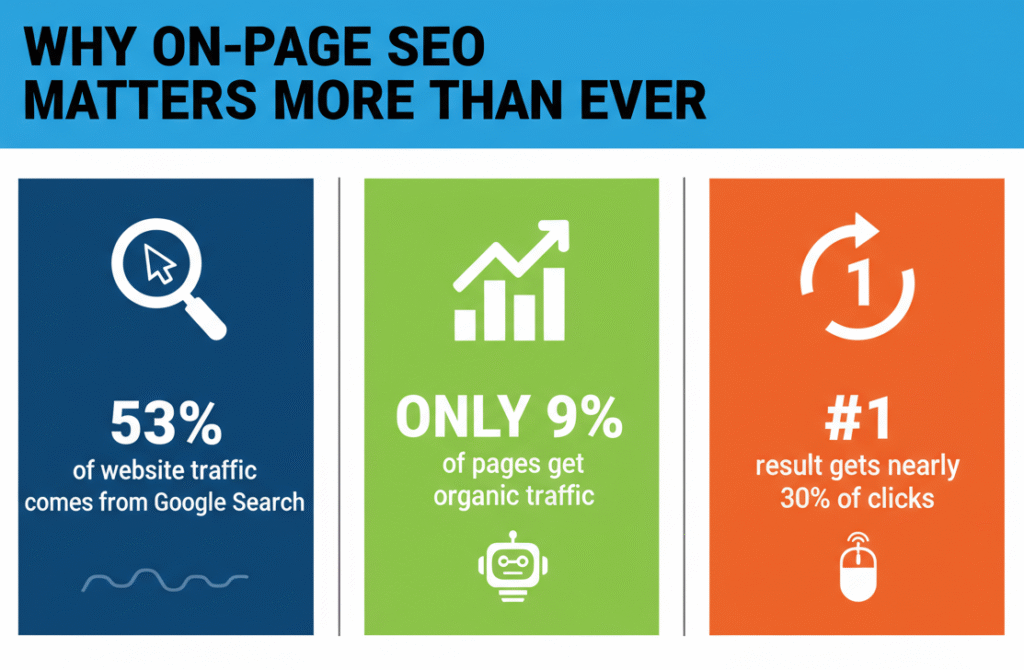
That’s why your content needs to be structured, clear, and aligned with real search intent.
And the numbers prove it:
- 53% of all website traffic comes from Google search
- Only -9% of pages get organic traffic
- The #1 result gets nearly 30% of all clicks
Without strong On-Page SEO, even the best digital marketing campaigns struggle.
With it, your page becomes:
- Easy for users to read, and
- Easy for Google’s bots to understand
It’s not about stuffing keywords, it’s about creating a smooth, helpful, trustworthy experience that Google wants to rank.
Types of On-Page SEO Elements
To simplify, On-Page SEO can be divided into three main categories: content, HTML, and site architecture.
Each plays a different but essential role in how Google and users perceive your page.
Content
Content is the heart of On-Page SEO and the backbone of every digital marketing strategy.
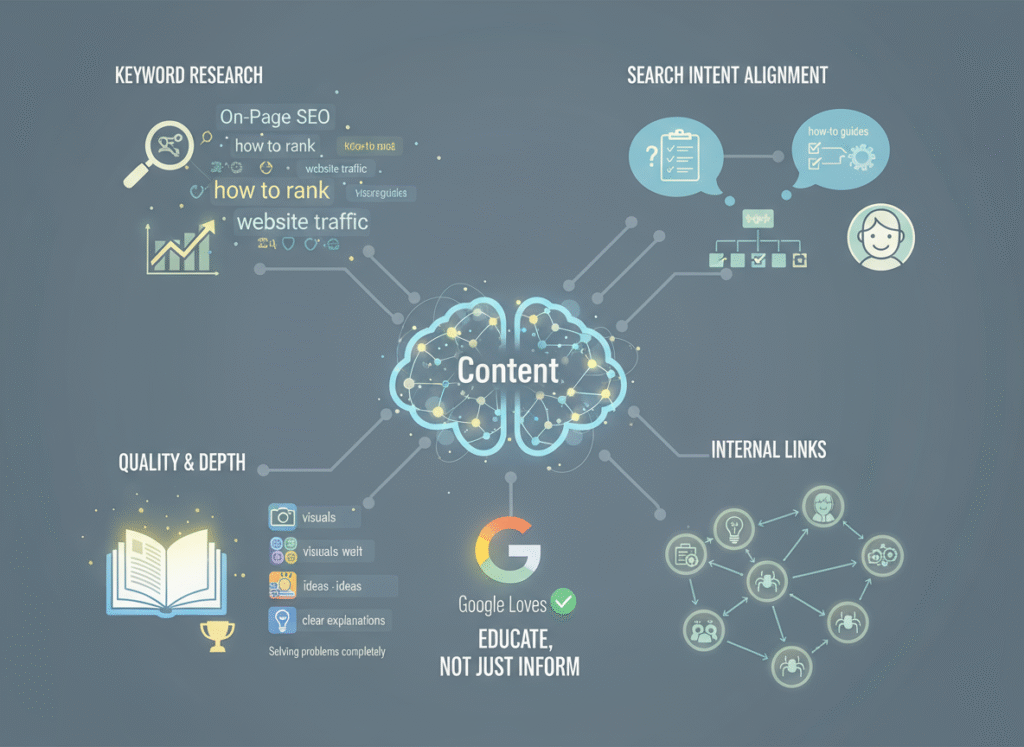
Here’s what strong content optimization looks like:
- Keyword Research: Find keywords that your audience and potential digital marketing clients actually search for.
- Search Intent Alignment: Your content must match what the user expects. For example, if they search “how to do On-Page SEO,” they want steps – not theory.
- Quality & Depth: Go beyond surface-level answers. Offer depth, examples, visuals, and clear explanations.
- Internal Links: Connect your articles to each other. This keeps users exploring and helps Google crawl your site.
Google loves when a page solves the user’s problem completely.
So always aim to educate, not just inform.
HTML Elements
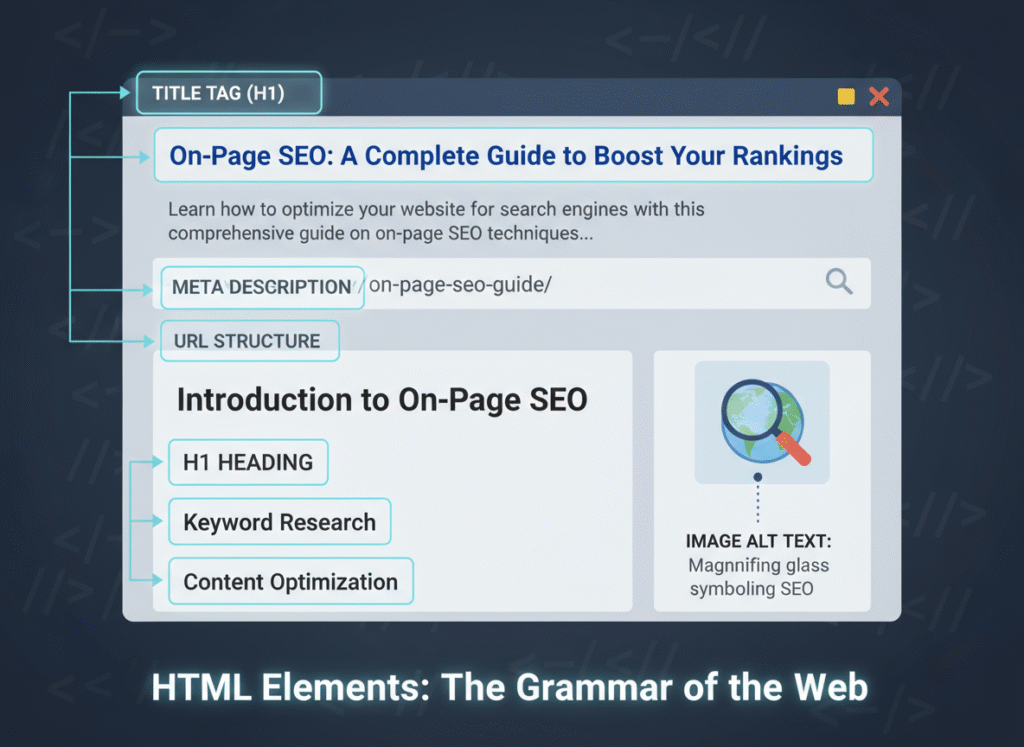
HTML elements are the signals you give to search engines to explain your content.
They include:
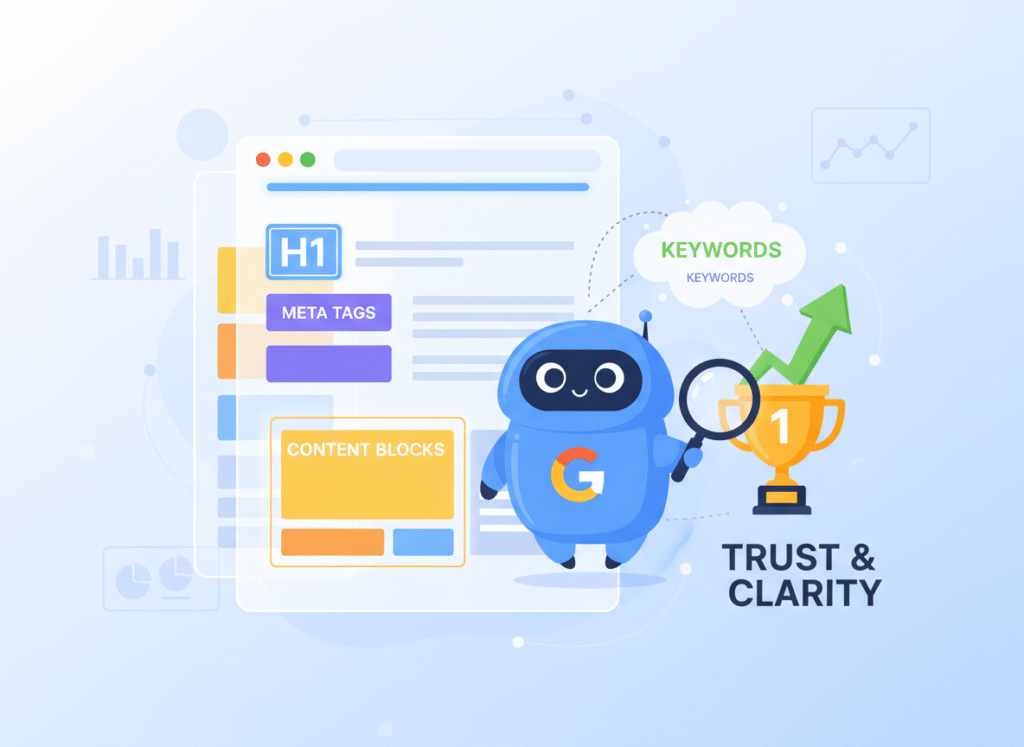
- Title Tag: The clickable blue text in search results. It should include your keyword and attract clicks. Example: “On-Page SEO: A Complete Guide to Boost Your Rankings.”
- Meta Description: A short summary below your title. It doesn’t directly impact ranking but can boost click-through rates.
- Headings (H1, H2, H3): Help both users and crawlers understand the structure. Each section should have a clear purpose.
- URL Structure: Keep it short, readable, and keyword-rich. For example: /on-page-SEO-guide/
- Image Alt Text: Describe images so Google and visually impaired users can understand them.
Think of HTML elements as the grammar rules of your website – invisible, but critical.
Site Architecture & UX Elements
Even the best content can fail if your site is hard to navigate.
Site structure, user experience, and speed are powerful ranking signals.
A clean layout, fast loading time, and mobile optimization make your website friendly for both people and bots.
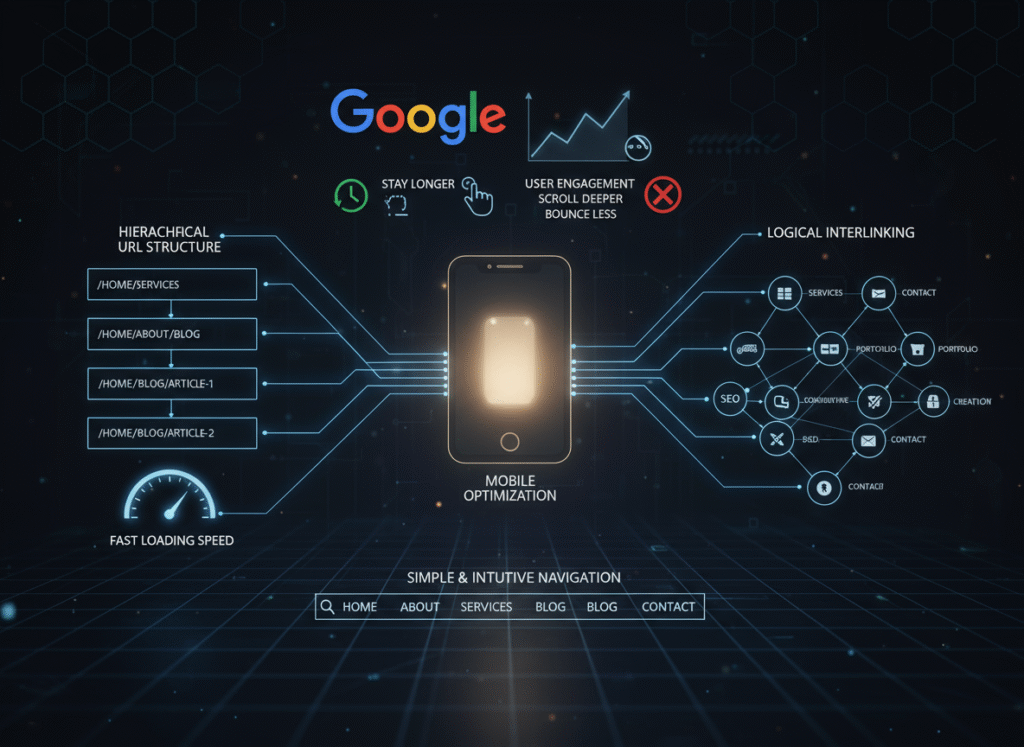
Follow these golden rules:
- Use short URLs with proper hierarchy.
- Optimize your site for mobile users.
- Make sure all pages are interlinked logically.
- Keep navigation simple and intuitive.
Google measures how users interact with your site.
If people stay longer, scroll deeper, and bounce less – you win.
How to Implement On-Page SEO Step-by-Step
Here’s a step-by-step process that top SEO experts swear by.
Step 1: Start with Intent
Before writing a word, identify your reader’s goal.
Are they looking to learn, compare, or buy?
When your content matches their intent, it automatically performs better.
Google rewards relevance above all else.
Step 2: Choose and Place Keywords Wisely
Use tools like Serp Suggest, Ahrefs, Semrush, or Google Keyword Planner to find your main and related keywords.
Add the main keyword in:
- The title tag
- The first 100 words
- At least one subheading
- Meta description
- Naturally in the content
Keep keyword density around 1%.
That’s enough for search engines without sounding spammy.
Step 3: Craft a Compelling Title and Meta Description
Your title is your first impression.
It should grab attention and make people want to click.
Example:
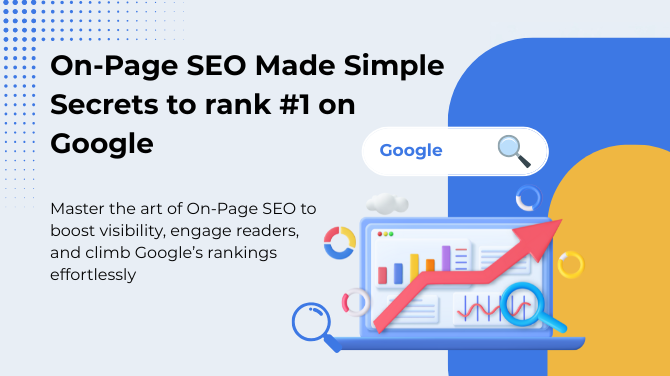
“On-Page SEO Made Simple: Secrets to Rank #1 on Google”
Your meta description should summarize the value of your content in under 160 characters.
Both together can dramatically increase your click-through rate.
Step 4: Optimize Your Headings and Structure
Break your content into scannable sections using H1, H2, and H3 tags.
Readers love clarity, and search engines love order.
Each heading should introduce one main idea.
Example:
- H1: On-Page SEO Mastery
- H2: What Is On-Page SEO?
- H3: Why It Matters for Your Business
This structure keeps readers engaged and bots happy.
Step 5: Improve Readability
Use short sentences, active voice, and bullet points.
Add visuals and infographics where possible.
Good formatting increases “dwell time” – the time users spend on your page – which signals quality to Google.
Step 6: Add Internal and External Links
Linking to your own content keeps readers exploring your site.
This reduces bounce rate and boosts page authority.
Linking to authoritative sites, like Google adds trust and credibility.
It shows you’ve done your research.
Step 7: Optimize Images and Media
Compress images before uploading to speed up your page.
Use descriptive filenames and alt text like “on-page-seo-checklist.jpg”.
Remember: fast-loading, accessible images improve user experience and SEO.
Step 8: Check Page Speed & Mobile Optimization
A slow site can kill your rankings.
Use tools like Google PageSpeed Insights to test performance.
Make sure your design adjusts well on mobile devices.
Over half of Google searches now come from phones – don’t ignore them.
Step 9: Track, Test, and Improve
SEO isn’t one-and-done.
Regularly audit your content, check analytics, and update posts as trends change.
Look at data like bounce rate, click-through rate, and dwell time.
Each metric tells you how users are engaging with your content.
Keep improving, Google loves freshness.
What kinds of pages benefit the most from On-Page SEO
These three page types are your On-Page SEO power trio — the places where small optimizations create massive ranking and revenue wins. These are:
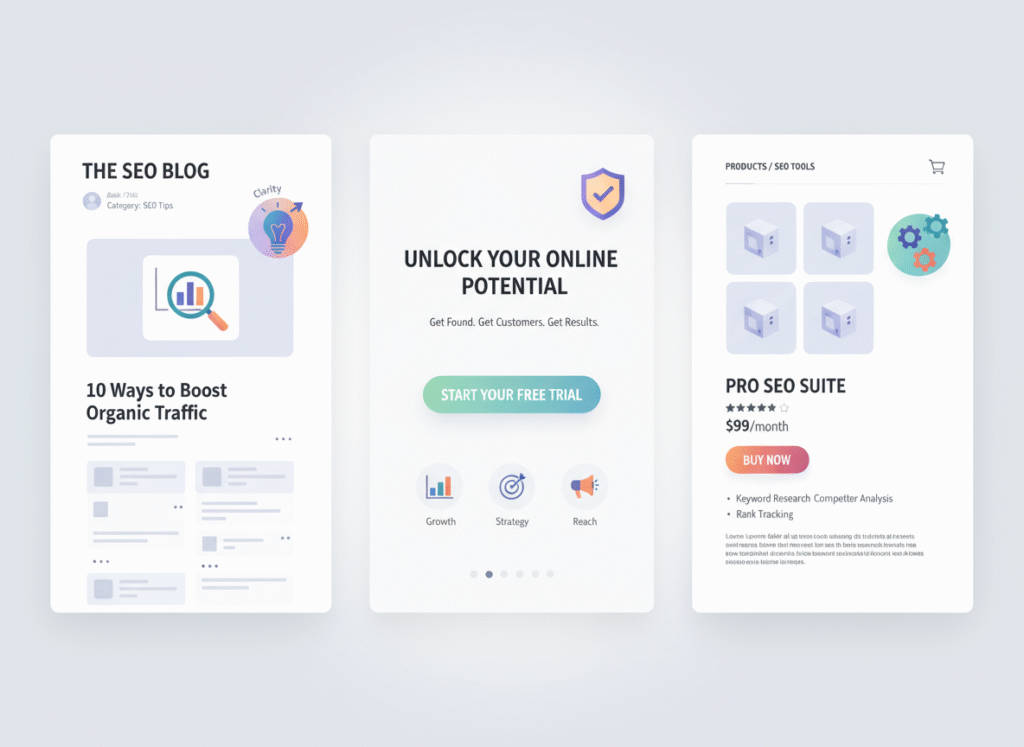
1. Blog Posts & Guide
These are pure SEO gold. When your content is clear, structured, and packed with value, Google loves ranking it higher.
2. Landing Pages
Clarity = conversions. Strong headlines, focused messages, and clean layouts help turn visitors into customers (fast).
3. Product Pages
Here, every word counts. Detailed benefits, optimized titles, and high-quality images help your products show up more, and sell more.
It shines when your content is detailed, organized, and crafted for humans first – algorithms second.
The secret is simple: align your value with the user’s question.
When you solve their problem clearly, rankings follow naturally.
The Power of On-Page SEO
The beauty of On-Page SEO is control.
You don’t need to rely on others for backlinks or shares.
Every improvement – a stronger title, faster page, or better image alt text – makes an immediate difference.
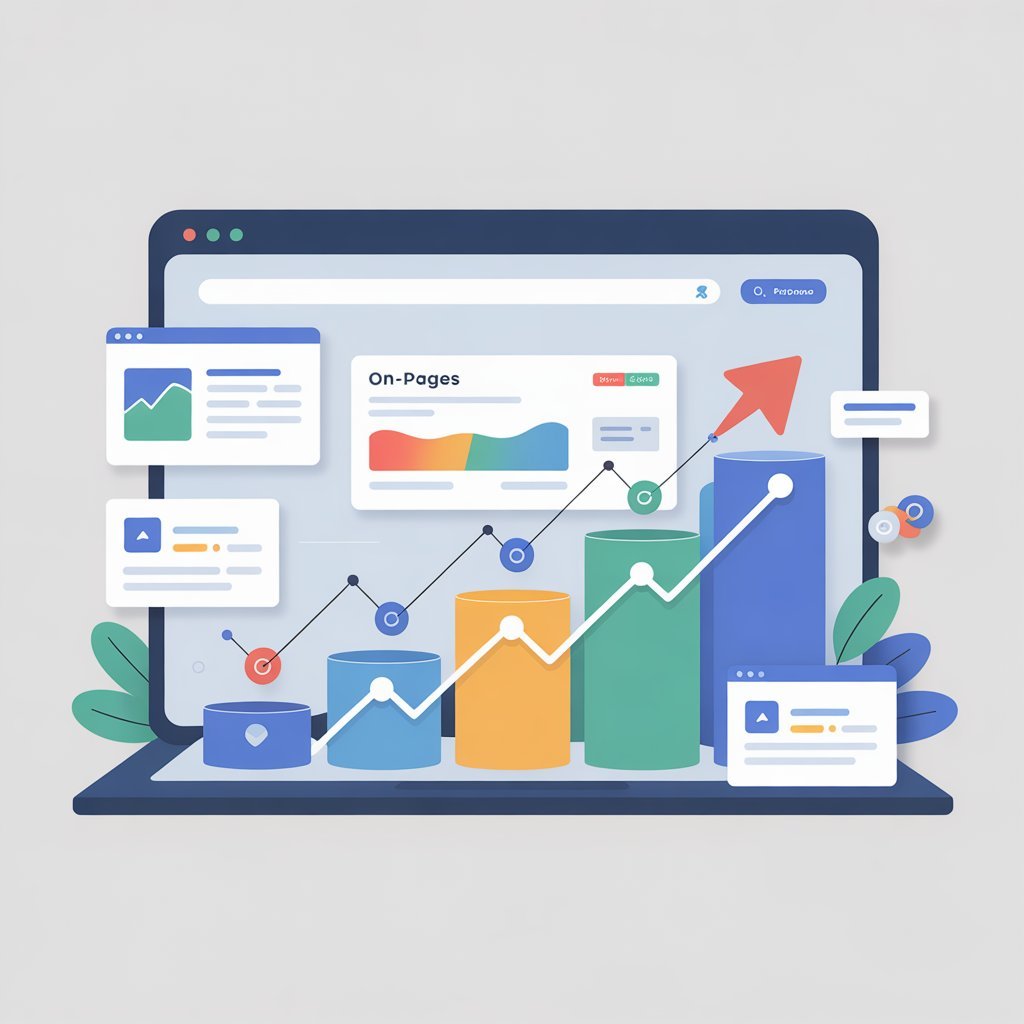
It’s also compounding.
Each optimized page boosts the authority of the entire website.
If you publish ten perfectly optimized articles, your domain power multiplies.
That’s the real magic of On-Page SEO – steady, reliable, and self-sustaining growth.
Essentials of Web Page Optimization
Before you hit “publish,” run through this quick checklist. Each step helps your page rank higher, load faster, and give Google exactly what it wants.
1. Keyword in the Right Places
Put your main keyword in the title, meta description, first 100 words, and one subheading.
2. Write a Hooky Introduction
Start strong. Grab attention in the first 2–3 lines so readers keep scrolling.
3. Optimize Your Title Tag
Keep it under 60 characters. Add your keyword. Make it irresistible.
4. Craft a Winning Meta Description
Under 160 characters. Highlight the benefit. Encourage the click.
5. Use a Clean URL
Short, descriptive, keyword-rich. Avoid numbers and weird symbols.
6. Fix Your Heading Structure
One H1 only. Use H2s and H3s to organize your content like a pro.
7. Add Smart Internal Links
Link to 2–3 relevant pages to boost crawlability and keep users on-site.
8. Use High-Authority External Links
Link to 1–2 trusted sites to increase credibility and context.
9. Optimize All Images
Compress them for speed and add alt text with relevant keywords.
10. Make It Fast & Mobile-Friendly
Speed matters. A slow or broken mobile layout kills rankings.
11. Improve Readability
Short paragraphs. Bullets. White space. Make it effortless to read.
12. Keep Content Fresh
Update stats, visuals, and examples regularly to stay competitive.
When every point is checked off, your page is primed to rank, ready to convert, and built to outperform your competitors.
Common On-Page SEO Mistakes to Avoid
Avoid these SEO mistakes, they quietly kill rankings faster than any algorithm update.
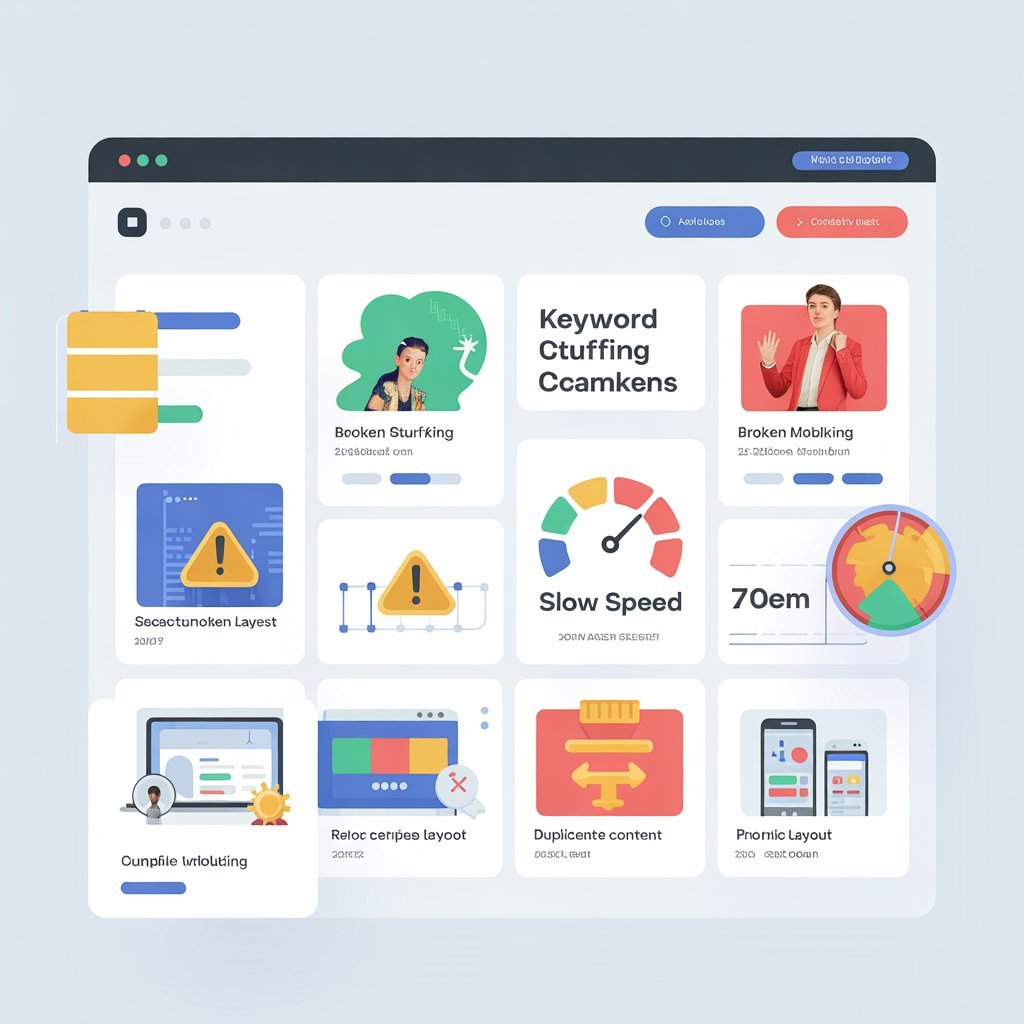
1. Keyword Stuffing
Forcing keywords everywhere makes your content sound spammy, and Google hates it. Keep it natural.
2. Ignoring Search Intent
If your content doesn’t answer what the user actually wants, they bounce. Google notices. Rank drops.
3. Duplicate Content
Recycling the same text across pages confuses Google. Every page needs its own unique value.
4. Skipping Mobile Optimization
Over 50% of users browse on mobile. If your site breaks on phones, your rankings break too.
5. Weak Meta Tags
Your title and meta description are your digital “first impression.” If they’re boring, nobody clicks.
6. Broken Links
Dead links = bad user experience + bad SEO signals. Audit and fix them regularly.
7. Slow Page Speed
A slow site kills rankings and conversions. Compress images, clean up code, and speed things up.
Avoiding these mistakes saves you hours of rework and helps Google see your site as professional and reliable.
Final Thoughts: Build for Users, Optimise for Search
On-Page SEO isn’t just a checklist, it’s a mindset.
Every small improvement boosts user experience and sends strong quality signals to Google.
When your content is clear, fast, and genuinely helpful, rankings follow naturally.
So focus on intent, clarity, and continuous refinement.
And if you want to learn these skills the right way, DSOM (Dehradun School of Online Marketing) offers practical digital marketing training that helps you apply real SEO strategies with confidence.